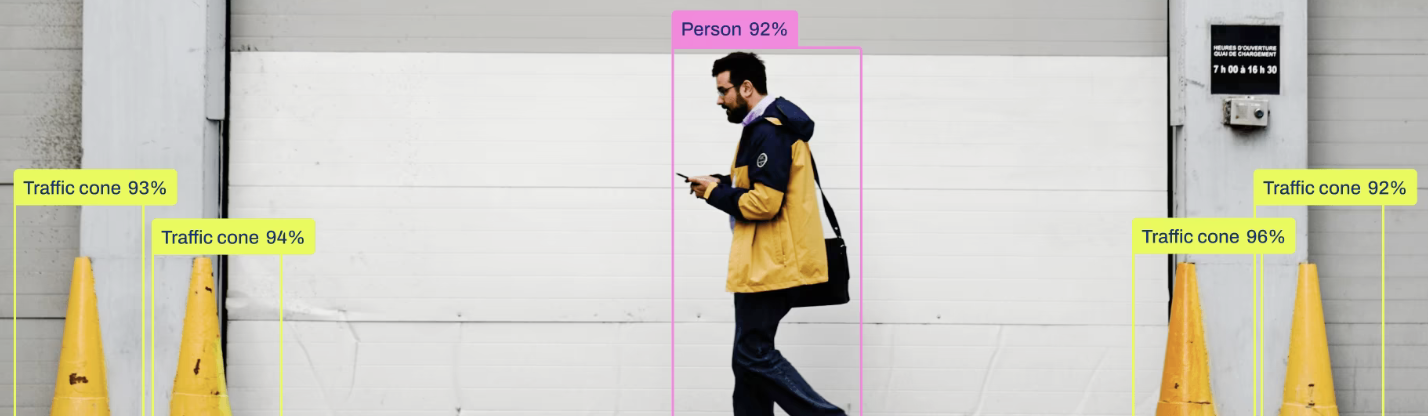
Motivation
Computers traditionally rely on precise input devices such as keyboards and mice. While effective, these interfaces are not ideal or accessible for everyone. Users with arthritis, carpal tunnel syndrome, or limited hand mobility may find conventional inputs uncomfortable or difficult to use.
Newer platforms such as VR/AR systems and smart TVs also lack intuitive ways of interacting without specialized controllers. A gesture-based system provides a natural, hands-free, hardware-free method of interacting with computers.
Our goal is to design a flexible, real-time gesture recognition system using only a standard webcam. This project allowed us to explore dataset creation, model fine-tuning, and real-time computer vision while building a practical interface for hands-free computer control.
Approach Overview
Our system processes live webcam video and recognizes static hand gestures using a fine-tuned YOLOv12n model. Each detected gesture is then mapped to a computer action such as adjusting volume or controlling media playback.
-
Webcam Capture
Frames are captured from the user's webcam in real time. -
Gesture Recognition
The YOLOv12n model detects the hand and classifies it as one of:- closed-hand
- closed-hand-thumb-out
- open-hand
- palm-open
- thumbs-up
- thumbs-down
-
Action Trigger
Usingpynput, each gesture maps to a desktop action:- thumbs-up → volume up
- thumbs-down → volume down
- palm-open → play / pause
- open-hand → skip backward
- closed-hand → move mouse
- closed-hand-thumb-out → mouse click
YOLOv12n was selected because of its speed, lightweight architecture, and strong performance when fine-tuned on small custom datasets.
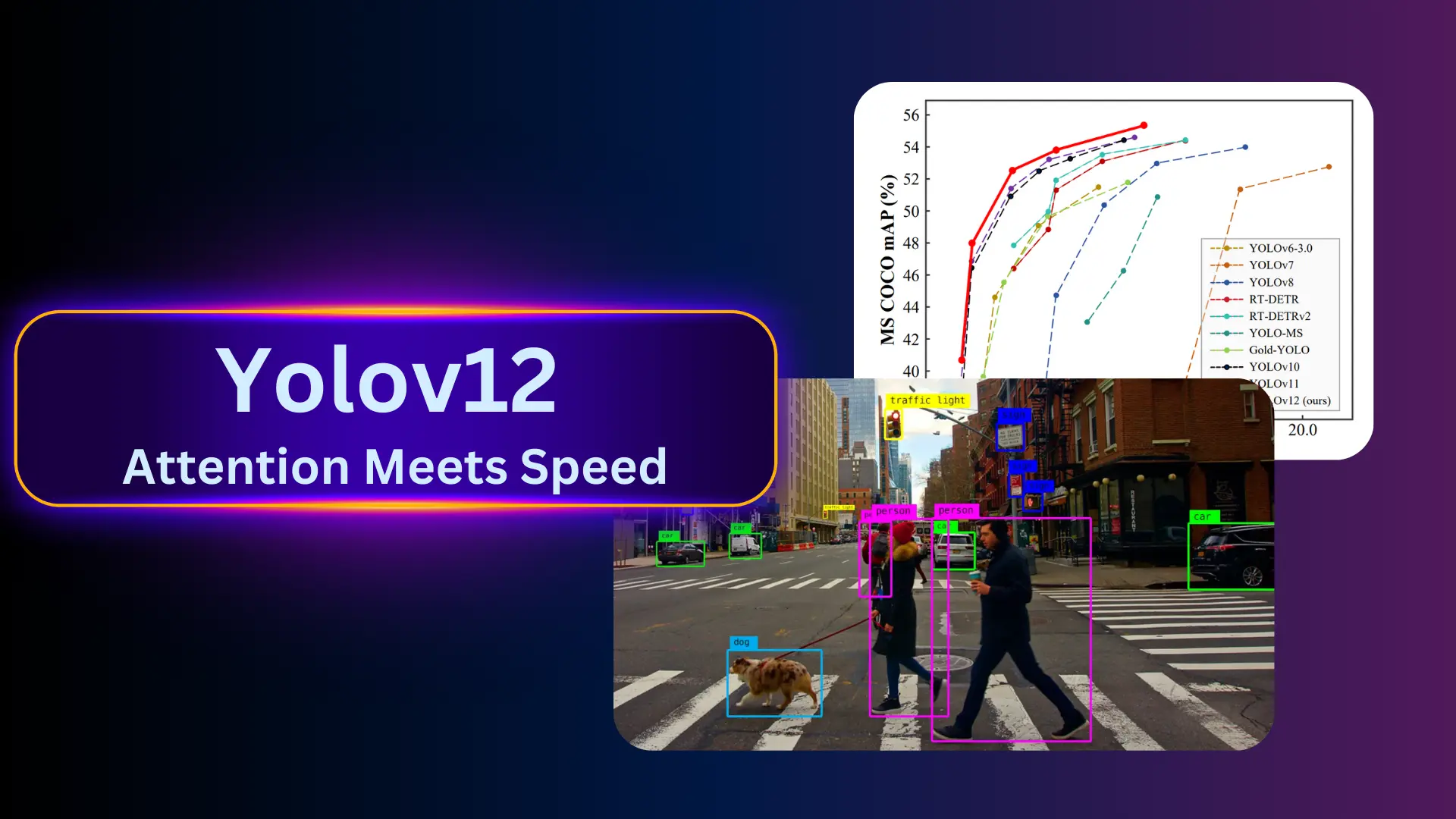
YOLOv12n fine-tuned for six custom hand gestures.
Dataset
Since no existing dataset matched our specific gesture definitions, we created our own dataset from scratch. Images were collected from all team members under varying lighting, backgrounds, and hand orientations.
Augmentation included:
- random rotation and flipping
- brightness, exposure, and hue changes
- cropping and scaling
- background variation
These augmentations increased dataset diversity and improved robustness to lighting, perspective, and user-specific gesture differences.
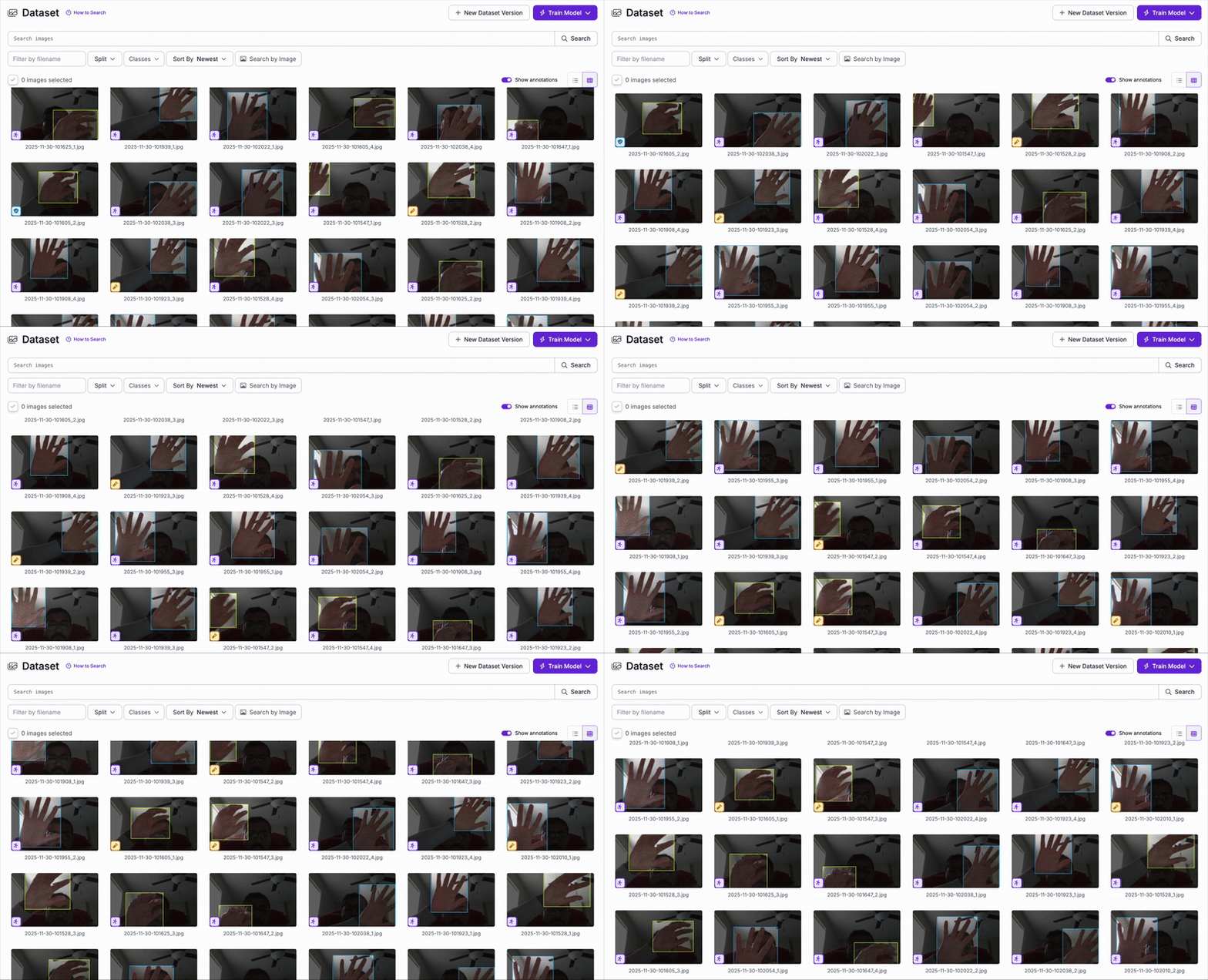
Animated preview of our custom gesture dataset.
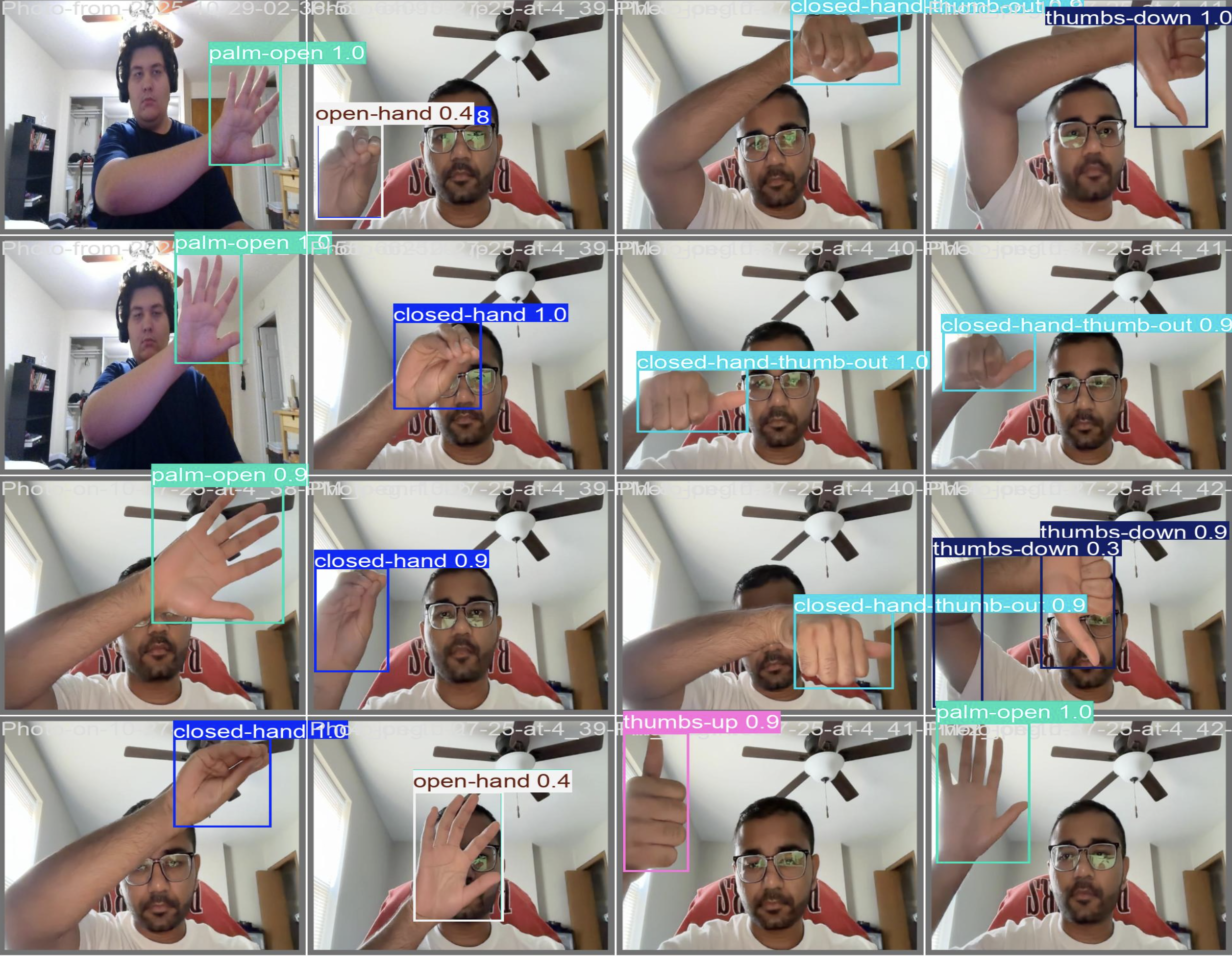
Manual labeling of each gesture using bounding boxes.
Implementation Details
The project consists of three main components: model training, live inference, and gesture-to-action mapping.
Model Training
We fine-tuned YOLOv12n on our custom dataset. Training was completed on an
NVIDIA T4 GPU in under 30 minutes due to the model’s efficient architecture.
Real-Time Inference
Using OpenCV, each webcam frame is forwarded through the YOLO model. The
detected gesture and bounding box are rendered in real time on the screen so users
can see exactly what the model is predicting.
Gesture → Action Mapping
Using pynput, gestures trigger actions such as media control, volume changes,
and mouse operations. Confidence thresholds and prediction smoothing help
eliminate flicker during continuous use.
YOLOv12 inference powering real-time interaction.
Results
The fine-tuned YOLO model performed well across all gesture classes. It operated in real time with low latency, even on CPU-only systems. Some confusion occurred between visually similar gestures (e.g., open-hand and palm-open), but overall accuracy was strong for our intended use case.
In real-world testing, the system was able to control media playback, volume, and mouse actions reliably while remaining responsive and stable.
Below is a real-time demonstration of gesture recognition:
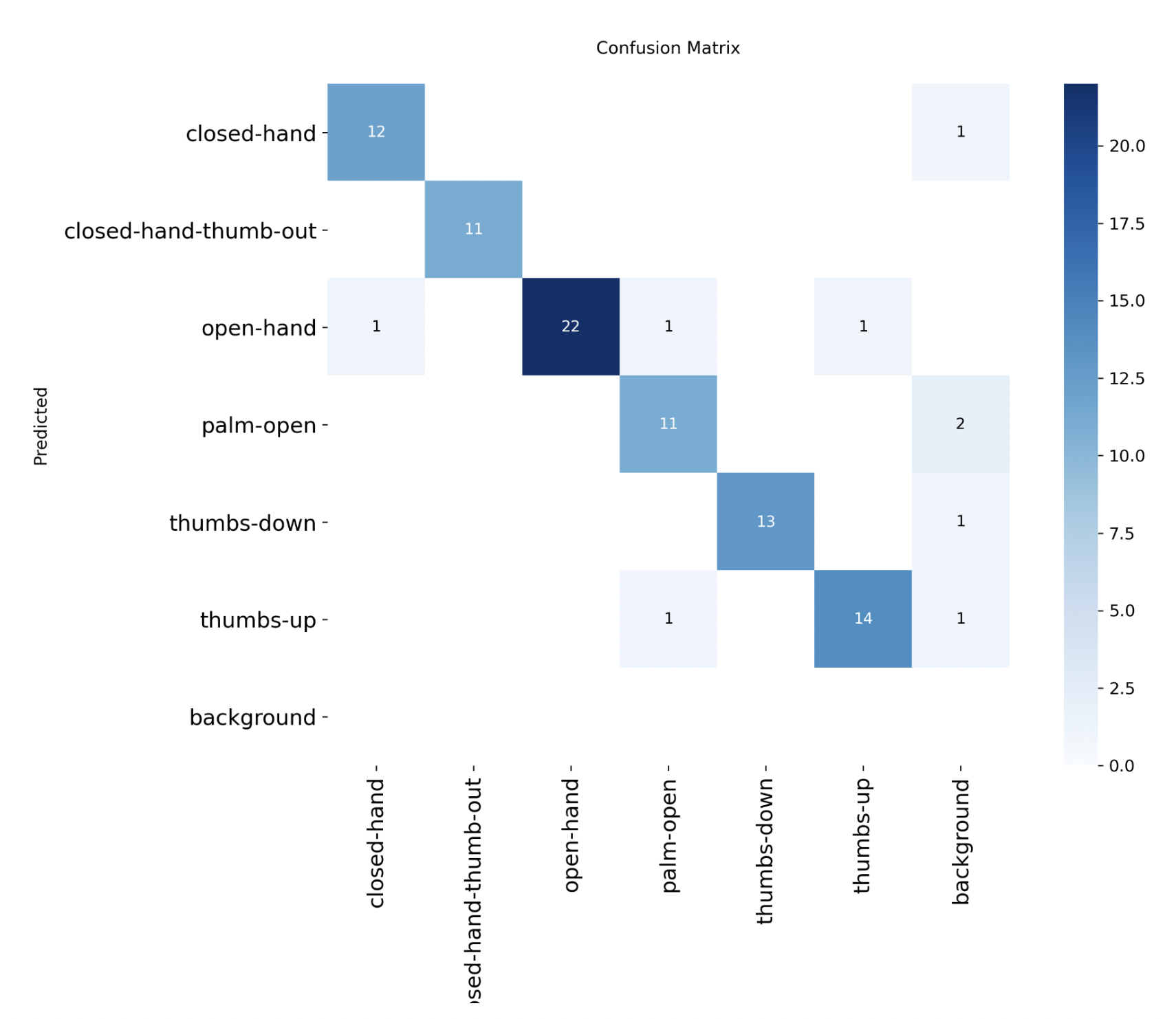
Confusion matrix for the six gesture classes. Most errors occur between similar open-hand and palm-open gestures.
Problems Encountered & Lessons Learned
Data Imbalance
Early versions of the dataset had uneven gesture representation, causing biased predictions toward over-represented classes. Additional data collection and targeted augmentation helped resolve this.
Lack of Variety
Limited backgrounds, lighting, and subjects reduced model robustness. Expanding the dataset with more locations and users significantly improved performance.
Gesture Similarity
Certain gestures, especially open-hand vs. palm-open, required substantially more training samples due to their similarity. We learned that some classes inherently need more data than others.
Testing Methodology
Initially we tested on a single split, which gave misleading results. We improved evaluation consistency using a more systematic test set and by examining confusion patterns, not just overall accuracy.
Overall, the project highlighted the importance of dataset quality, variance, and the power of transfer learning for small, domain-specific tasks.
Future Work
- Support for dynamic or sequential gestures instead of only static poses.
- Integration with AR/VR headsets for natural, controller-free interaction.
- Recognition of multi-hand and multi-user gestures.
- Hybrid architectures combining YOLO detection with hand landmarks (e.g., MediaPipe).
- Packaging as a standalone accessibility or smart TV control application.
- Scaling to a much larger, multi-user dataset for improved generalization.
With more data and advanced modeling, this system could become a robust, low-cost, hands-free interface for accessibility, entertainment, and immersive computing.
Code & Downloads
All project materials are available below: